How to Connect Garage Door to Google Home?
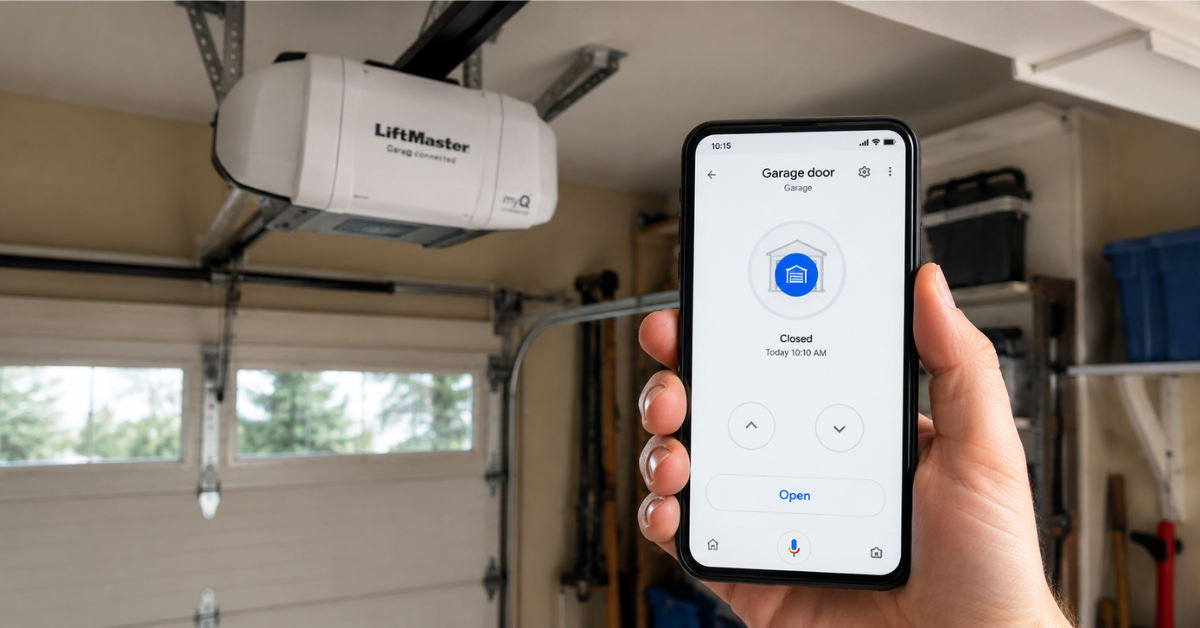
Forgetting whether you closed the garage door is one of those small worries that can ruin a good night's sleep. The good news? You don't have to drive back home to check anymore. Once you connect your garage door to Google Home, you can open, close, and monitor it with a simple voice command or a tap on your phone.
At FixNGo TX, we install and configure smart garage door systems for homeowners across the region, and this is one of the most requested upgrades we see. In this guide, we'll walk you through exactly how to connect your garage door to Google Home, what equipment you need, and how to avoid the common mistakes that trip people up.
Why Connect Your Garage Door to Google Home?
Smart garage door integration isn't just a novelty. It solves real, everyday problems homeowners deal with constantly.
Picture this: you're already at work when you get a nagging feeling you left the garage open. Instead of turning around, you pull out your phone, check the status through Google Home, and close it remotely. That peace of mind alone makes the setup worthwhile.
Beyond convenience, connecting your garage door to Google Home also lets you:
- Set automated routines, like closing the garage every night at 10 PM.
- Grant temporary access to guests or delivery drivers without handing out a physical remote.
- Pair the door with other smart home devices, such as lights that turn on when the garage opens after dark.
What You Need Before You Start
Before diving into the setup, make sure you have the right hardware. Not every garage door opener works with Google Home out of the box, so this step matters more than people expect.
You'll typically need:
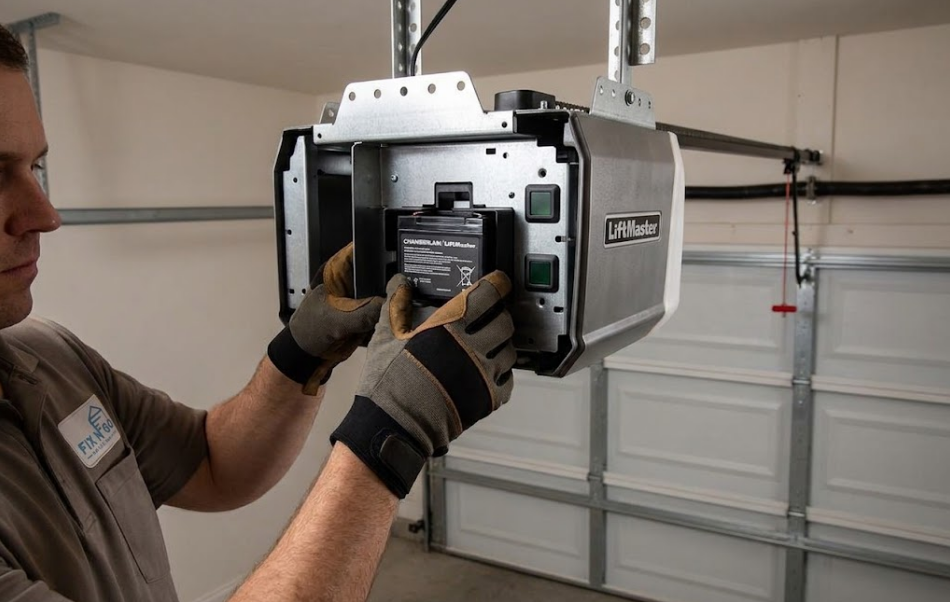
- A smart garage door opener — Chamberlain, LiftMaster, and Genie are among the most common brands compatible with Google Home, usually through the myQ app.
- A Google Home or Nest device — this can be a Google Nest Hub, Nest Mini, or simply the Google Home app on your smartphone.
- A stable Wi-Fi connection — your garage door opener needs to stay connected to your home network at all times for remote commands to work.
If your current opener is older and doesn't have built-in Wi-Fi, don't worry. You can add a retrofit smart garage door controller, which connects to your existing opener and gives it smart capabilities without a full replacement. Our technicians at FixNGo TX handle these installations regularly, especially for homeowners who want smart features without buying a brand-new opener.
How to Connect Garage Door to Google Home: Step-by-Step
Once you have compatible hardware, the actual pairing process is fairly straightforward. Here's how it works.
- Download the manufacturer's app. For most Chamberlain or LiftMaster openers, this is the myQ app. Genie users will need the Aladdin Connect app instead.
- Set up your garage door opener in the app. Follow the in-app instructions to link your opener to your home Wi-Fi network. This step usually takes five to ten minutes.
- Open the Google Home app on your phone and tap the plus icon to add a new device.
- Select "Works with Google" and search for myQ (or Aladdin Connect, depending on your brand).
- Log in with your manufacturer account credentials to link the two apps together.
- Assign your garage door to a room inside the Google Home app, such as "Garage," so voice commands are easier to organize.
- Test the connection by asking your Google Assistant, "Hey Google, is the garage door open?" or "Hey Google, close the garage door."
If everything is set up correctly, you'll hear a confirmation, and your garage door will respond within a few seconds.
Common Issues When Connecting Garage Door to Google Home
Even with a compatible opener, a few things can cause hiccups during setup.
Weak Wi-Fi signal in the garage. Garages are often at the edge of a home's wireless range, especially if they're detached or have metal doors that block signal. A Wi-Fi extender near the garage can solve this instantly.
Outdated firmware. Smart openers occasionally need firmware updates before they'll sync properly with Google Home. Check the manufacturer's app for pending updates before troubleshooting anything else.
Account mismatch. Make sure you're logged into the same manufacturer account in both the opener's app and when linking it inside Google Home. This is one of the most overlooked steps.
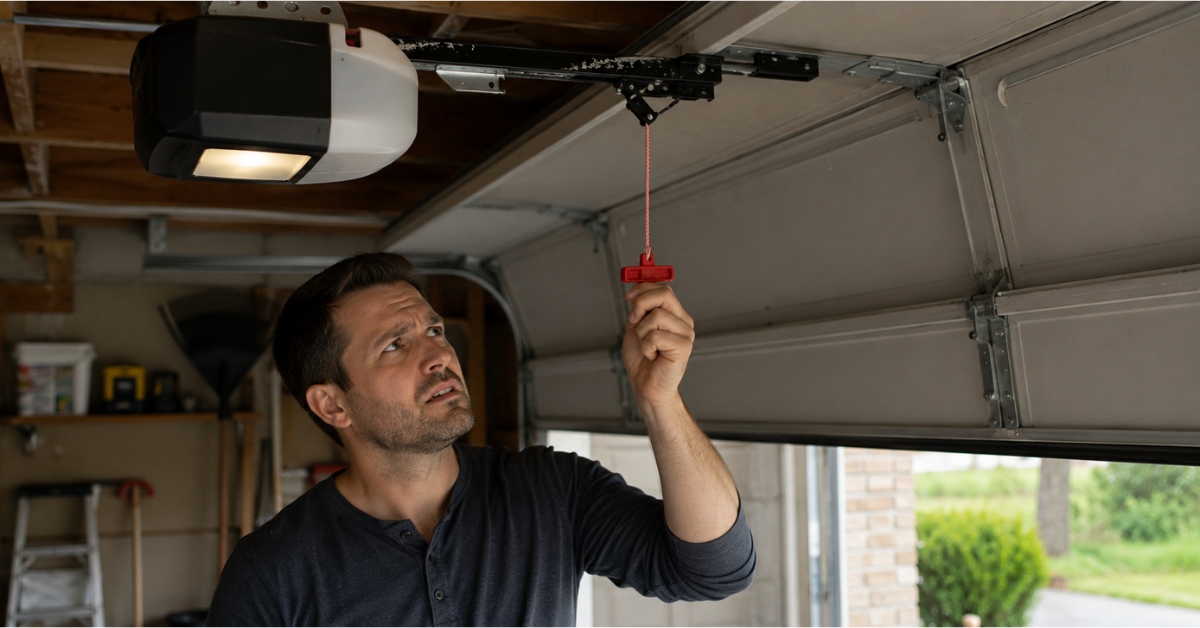
If you've gone through all the steps and your garage door still won't respond to voice commands, it may be a wiring or sensor issue rather than a software problem. That's usually when it's time to bring in a professional.
Is It Safe to Control Your Garage Door with Google Home?
Security is a fair concern when you're giving voice commands control over something as important as your garage. Reputable manufacturers use encrypted connections and require account authentication, so a stranger yelling through your window won't be able to open your garage door.
That said, we recommend enabling two-factor authentication on your Google account and your opener's app for an extra layer of protection. According to Google's smart home security guideline, this is one of the most effective ways to prevent unauthorized access to connected devices.
Final Thoughts
Connecting your garage door to Google Home takes the guesswork out of one of the most common household worries. With the right opener and a few minutes of setup, you'll have full voice and app control over your garage in no time.
If your current opener isn't smart-compatible or you're running into connectivity issues, FixNGo TX can help you upgrade or troubleshoot the system so it works exactly the way it should. Reach out to our team, and we'll get your garage door talking to Google Home the right way, the first time.
FAQ
Q: Do all garage door openers work with Google Home?
A: No. Only openers labeled "Works with Google" or those using compatible apps like myQ or Aladdin Connect can connect directly to Google Home.
Q: Can I add smart features to an older garage door opener?
A: Yes, retrofit smart garage door controllers can be installed on most existing openers to add Wi-Fi and voice control capability.
Q: Why won't my garage door respond to Google Home voice commands?
A: This is usually caused by weak Wi-Fi signal, outdated firmware, or a mismatched manufacturer account between the two apps.
Q: Is it safe to open my garage door with a voice command?
A: Yes, as long as your accounts use strong passwords and two-factor authentication is enabled for extra security.
Q: Can I set my garage door to close automatically at a certain time?
A: Yes, both the Google Home app and most manufacturer apps allow you to create automated routines and schedules.
You might also like
Fix N Go Blog